For most small businesses, password problems don’t start with hackers – they start with reused logins, shared spreadsheets, and accounts no one remembers setting up. Sound familiar?
Email accounts, financial platforms, CRM tools, cloud storage, and team software all rely on logins that are often reused, shared casually, or stored insecurely.
Choosing the best password managers for small businesses is essential for protecting sensitive data, reducing human error, and keeping teams productive.
Poor password hygiene remains one of the most common security risks for organizations, as highlighted by guidance from the National Institute of Standards and Technology (NIST).
Password managers remove this securely while enabling businesses to control who has access to what – without slowing teams down.
They should be easy to deploy for non-technical staff and scalable enough to grow with the company.
This guide compares the best password managers for small businesses, focusing on real-world usability to manage day-to-day.
A quick note from experience: Having worked in commission-based hardware/software sales, I’ve seen how incentives can subtly influence recommendations – even when it’s not obvious at first. That’s why this guide prioritizes practical fit and unbiased real-world testing over promotional hype.
Want to know how I evaluate tools and why this site exists? Read the About page.
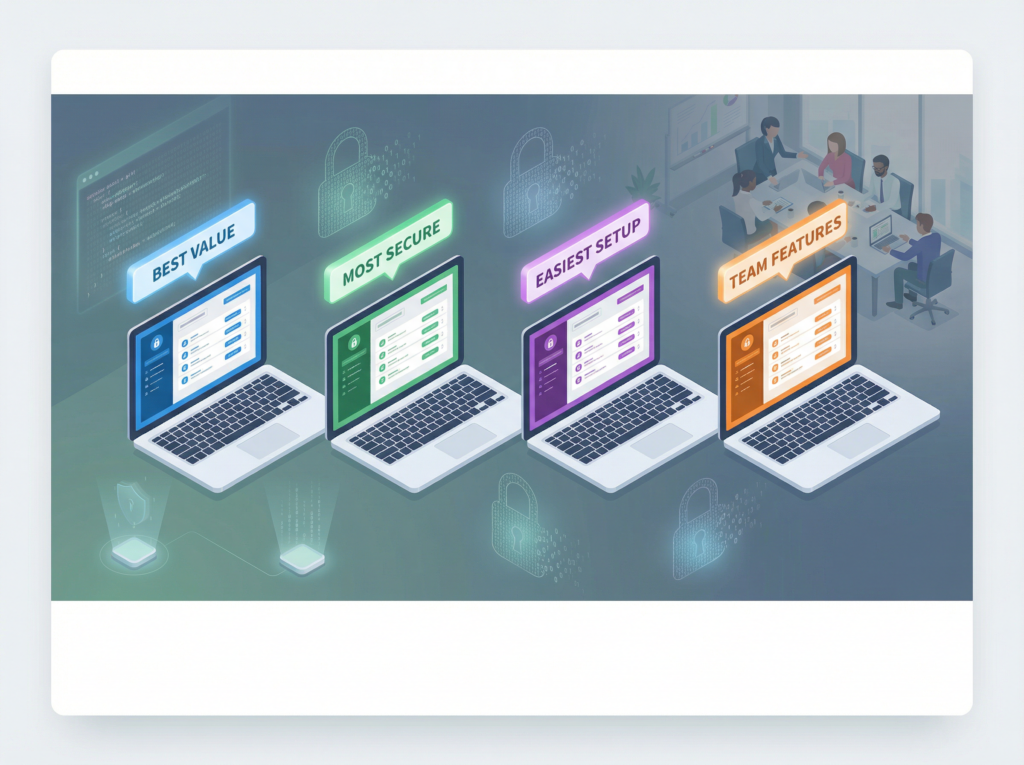
Quick Comparison of the Best Password Managers for Small Businesses
| Password Manager | Best For | Key Strengths | Pricing Model |
|---|---|---|---|
| 1Password | Growing teams needing strong access control | Mature security model Shared vaults Intuitive admin tools | Per user/month |
| NordPass Business | Small teams that want simplicity | Clean interface, fast onboarding, zero-knowledge encryption | Per user/month |
| Bitwarden Teams | Budget-conscious businesses | Open-source foundation, affordable pricing, strong core security | Low cost |
| Dashlane Business | Businesses wanting added monitoring | Passwords plus dark web monitoring | Higher than average |
| Keeper Business | Compliance-focused for regulated teams | Advanced admin controls, detailed reporting | Mid-range |
| Zoho Vault | Teams already using Zoho products | Tight Zoho integration, affordable pricing | Low cost |
This page may contain affiliate links—see our affiliate disclosure.
How to Choose the Right Password Manager for Your Small Business
Not all password managers are designed with small businesses in mind. The tools compared above were selected because they strike a balance between strong security, usability, and cost -without requiring a dedicated IT team.
If your business is growing and needs granular control over shared access, solutions like 1Password and Keeper provide advanced administrative features that scale with your team. For smaller teams that value simplicity and fast onboarding, NordPass offers a clean, intuitive experience. Bitwarden is often chosen by budget-conscious businesses that still want strong, transparent security, while Dashlane adds visibility through built-in monitoring tools. Companies already using Zoho products may find Zoho Vault integrates naturally into their existing workflow.
The best choice ultimately depends on how your team works day to day, how much control you need over shared credentials, and how quickly you expect your business to grow.
In-Depth Reviews of the Best Password Managers for Small Businesses
1Password for Business
Best for: Teams that need shared access without losing control
1Password is one of the most established password managers on the market, and its business version is well-suited to teams that are growing or managing multiple tools. It allows administrators to create shared vaults while maintaining strict control over permissions.
Pros
- Strong encryption and security architecture
- Well-designed shared vault system
- Smooth onboarding for new users
Cons
- Pricing is higher than budget-focused alternatives
Setup difficulty: Easy
This option is particularly useful for businesses that expect to add employees over time and want a system that scales without becoming complicated.
NordPass Business
Best for: Small teams that want an easy starting point
NordPass Business is designed with simplicity in mind. The interface is clean and intuitive, making it a good choice for teams that want to improve password security without introducing technical friction.
Pros
- Beginner-friendly design
- Zero-knowledge encryption model
- Fast and straightforward setup
Cons
- Fewer advanced administrative controls than enterprise tools
Setup difficulty: Very easy
This tool works well when ease of adoption is more important than deep customization.
Bitwarden Teams
Best for: Businesses prioritizing affordability
Bitwarden is popular with cost-conscious teams and those who value transparency. Its open-source foundation appeals to businesses that want visibility into how their security tools are built.
Pros
- Competitive pricing
- Open-source codebase
- Strong fundamental security features
Cons
- Interface is more utilitarian than polished
Setup difficulty: Moderate
Bitwarden is a solid option if budget is tight and the team is comfortable with a slightly more technical interface.
Dashlane Business
Best for: Businesses that want passwords plus monitoring
Dashlane combines password management with features like dark web monitoring, which can help businesses identify compromised credentials early.
Pros
- Built-in breach and dark web alerts
- Strong password sharing features
Cons
- More expensive than most competitors
Setup difficulty: Easy
This option is better suited to businesses that want an added layer of monitoring rather than just password storage.
Keeper Business
Best for: Businesses with compliance or reporting needs
Keeper focuses heavily on security controls and reporting, making it attractive for organizations that need detailed oversight of credential use.
Pros
- Advanced administrative and reporting tools
- Strong security posture
Cons
- Interface can feel complex for small teams
Setup difficulty: Moderate
Keeper is often chosen by businesses that need more formal oversight rather than simplicity.
Zoho Vault
Best for: Teams already using Zoho applications
Zoho Vault fits naturally into the broader Zoho ecosystem, making it a convenient choice for businesses already relying on Zoho tools.
Pros
- Tight integration with Zoho products
- Affordable pricing
Cons
- Less flexible outside the Zoho environment
Setup difficulty: Easy
This is a practical option if Zoho is already central to your business operations.
How to Choose the Right Password Manager for Your Business
When comparing password managers, small businesses should focus on a few practical questions:
- How many employees need access?
- Do you need shared credentials or individual vaults?
- How easy is it to manage users and permissions?
- Will non-technical staff actually use it consistently?
The best password manager is not necessarily the most feature-rich — it’s the one that fits how your business actually operates.
Frequently Asked Questions
Do small businesses really need a password manager?
Yes. Password reuse and unsecured sharing are among the most common causes of account breaches, especially for small teams without centralized access controls.
Are password managers safe to use?
Reputable providers use strong encryption and zero-knowledge architectures designed to protect stored credentials.
Can employees share access without seeing the password?
Yes. Business plans allow controlled sharing so users can log in without viewing the underlying password.
How much do business password managers cost?
Most are priced per user per month and are affordable for small teams.
Can I switch password managers later?
Yes. Most tools allow exporting and importing credentials if you decide to change platforms.